Tools like Cloudflare's "Is your site agent-ready?" ask whether an AI agent can read your site. It's a good question, and my portfolio was built to pass it: markdown versions, llms.txt, structured data and an MCP server agents query directly.
But while working on it, a follow-up question came up: is the site ready to become something else? A video, a component, a presentation, whatever an agent decides to build from it. I called it shape-ready: a moldable site that works as raw material, not just a showcase.
To test the idea, I asked an agent to turn the portfolio itself into a launch video. This is the result:
The launch video, made from the real site. It has sound: the soundtrack was generated in code too.
How the video was made
No video editor was opened. Everything came out of code written in conversation with Claude, in Claude Code.
1. Music first. The script sits on a grid of 100 beats per minute and 36 bars. Every cut, zoom, caption and sound effect lands on a beat of that grid. A single "score" file holds it all, and both the music and the video read that same file.
2. The real site, frame by frame. Real-time screen recording stutters and drops frames. Instead, the agent injected a virtual clock into the browser: performance.now, Date, timers, requestAnimationFrame and CSS animations all follow a time that only moves when the script says so. One screenshot every 1/60 of a second. The animations in the video are the site's own; nothing was rebuilt.
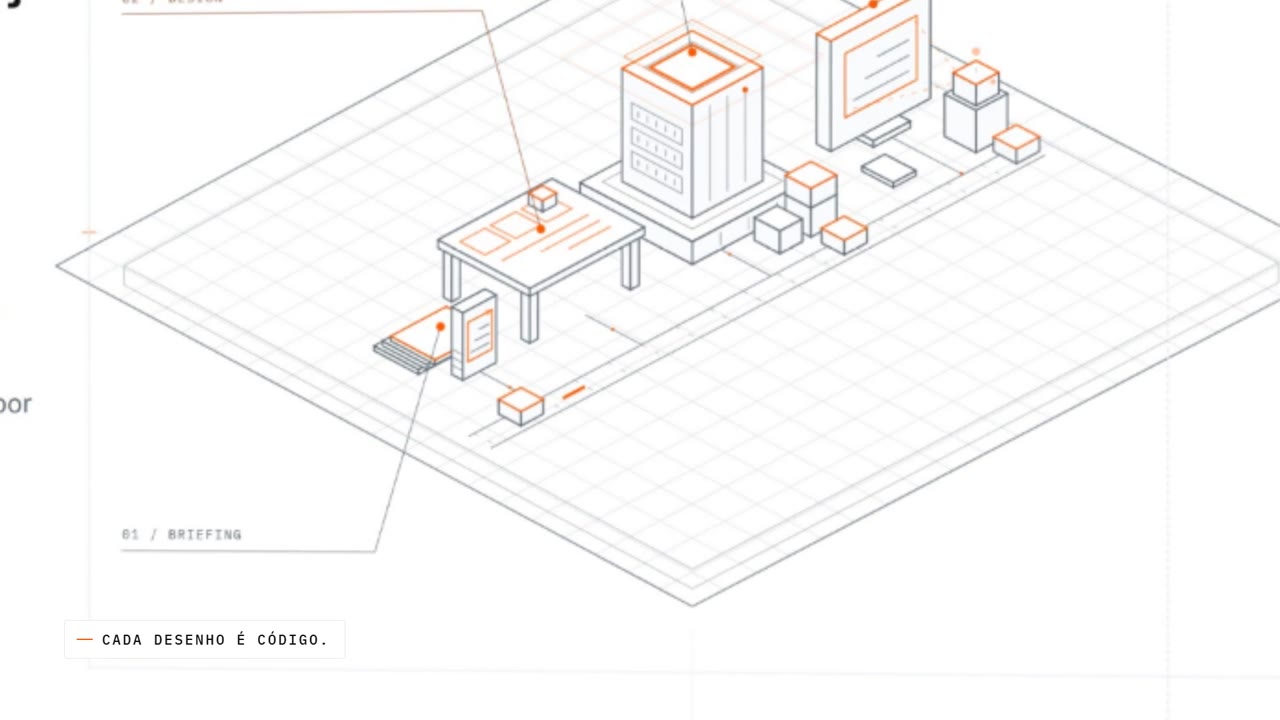 One of the hero close-ups: the same isometric drawing as the site, magnified.
3. A compositor in code. A page assembles each frame from the screenshots: laptop and phone mockups, a 3D camera with zoom and tilt, focus blur, split screens, captions and the cursor. To land a step of the site on a beat, the compositor speeds up or slows down that stretch. The slow motion uses a segment captured at 300 frames per second.
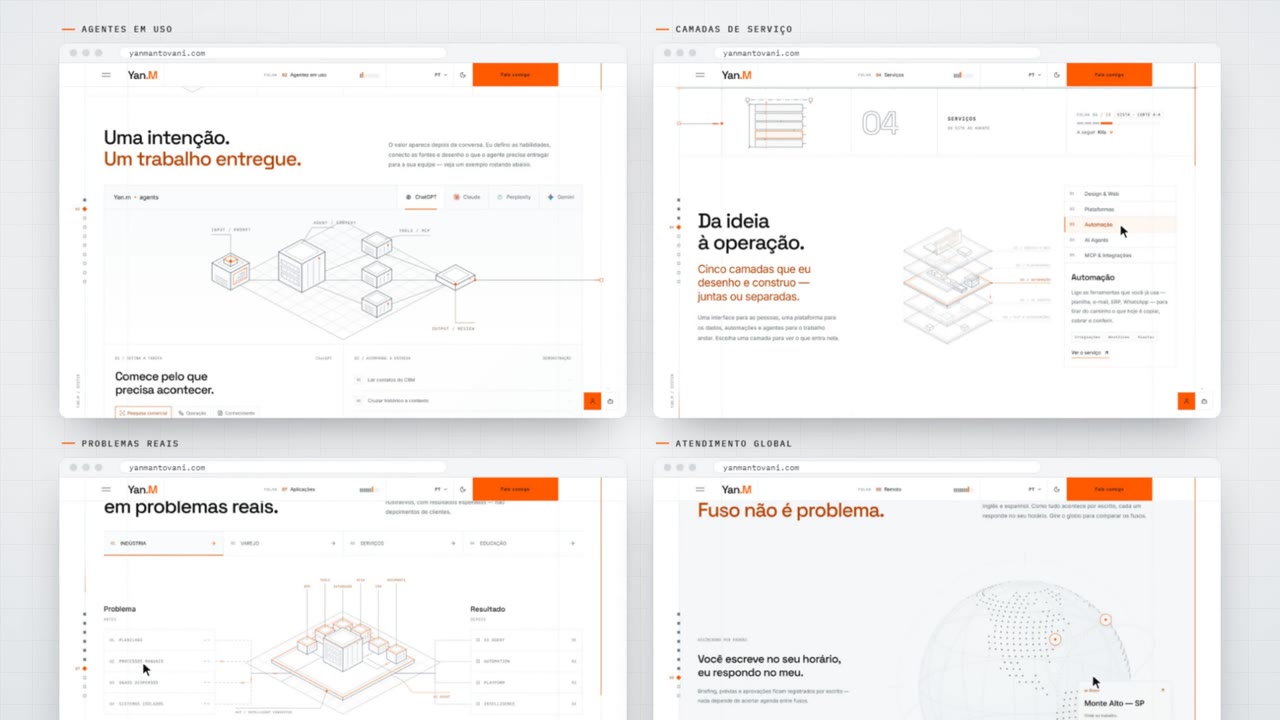 The split-screen montage: four site interactions, each landing on a beat.
4. Original soundtrack and sound effects. The music was synthesized note by note: swung drums, bass, electric piano, guitar, whistle and brass, plus about 20 sound effects like the keyboard, the paper of the shutters and the book sliding off the shelf. Since the AI can't hear, the structure was checked through the spectrogram, and the listening part was mine.
5. A real agent at the climax. The final scene shows an agent asking the site "what services does Yan offer and how does he work?". The answer uses real data from the portfolio's MCP server: the services, the timelines and the working model.
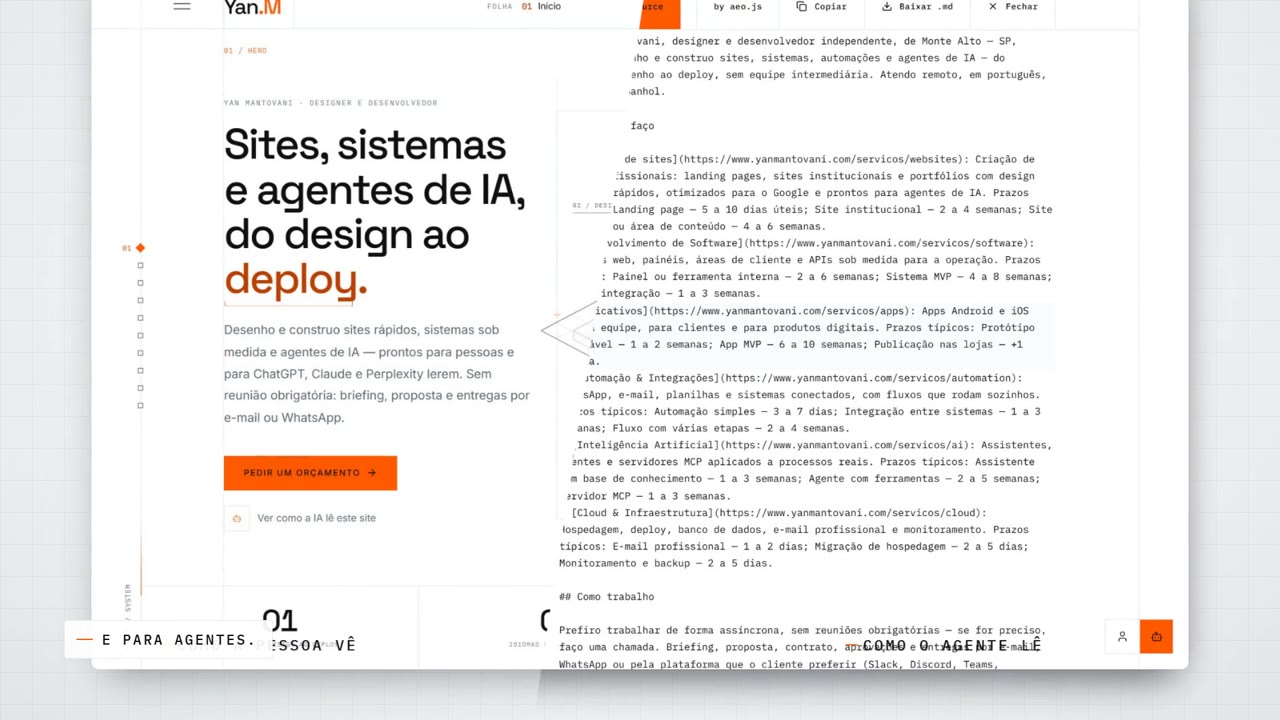 How a person sees it and how an agent reads it: the same site, side by side.
What made my site shape-ready
None of this would work on just any site. Looking back, these are the points that let the portfolio become a video, and they work as a checklist for any site:
- Drawings in code, not images. The illustrations are SVG. They scale without losing quality, animate and recombine.
- Animations driven by time. Everything runs on
requestAnimationFrameand CSS animations, which a virtual clock can control. Animation locked inside a video file or tied to unpredictable events isn't moldable. - Controllable states. Theme, language, cookie banner and preloader can be set before the page loads, without clicking anything.
- Explicit identity. Colors and fonts are defined as tokens, so an agent can reproduce the brand outside the site.
- Structured content. Markdown text and organized data become a script, captions or an answer with no rework.
- A door for agents. The MCP server returns real data, so the agent doesn't need to guess or make things up.
- Reproducible build. The site runs locally in production mode, identical to the published one.
If your site checks these boxes, it's no longer just a showcase: it's raw material.
What went wrong
- A white screen in slow motion. The preloader shutters are white over a white site. At 4× slow motion they became almost two seconds of nothing. It ended up at 2×.
- The site scrolled by itself. Clicking a shelf topic on the blog takes the page to the list, and the camera kept aiming at the shelf. The fix was to pull the camera out the instant of the click, with a motion blur.
- One selector took down the batch. The script couldn't find the globe and stopped the captures after it. Since then, each shot is tested on its own first.
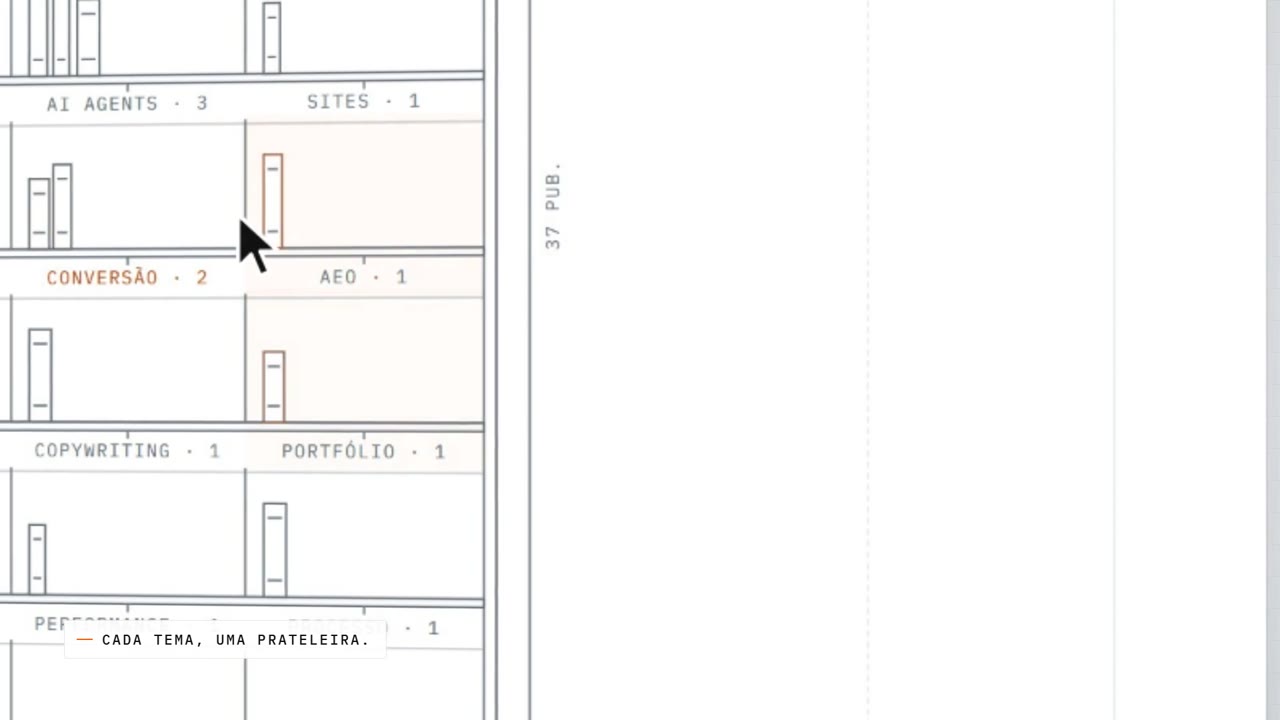 The blog shelf up close: each topic is a bay, each post is a book.
Do it on your site
The full prompt, with the step by step and the pitfalls, is at the site video prompt (in Portuguese). Fill in the fields with your site's details and paste it into a coding agent.
If you'd rather have me make your site's video, or make your site shape-ready, reach me through the contact page.
References
- MDN: Document.getAnimations() — how to list and control a page's animations.
- MDN: requestAnimationFrame — the basis of the animations the virtual clock controls.
- Playwright: screenshots — the tool that captured each frame.
- Model Context Protocol — the protocol of the server the agent queried.
- FFmpeg documentation — assembling video and audio.